خصم 38%
Generic
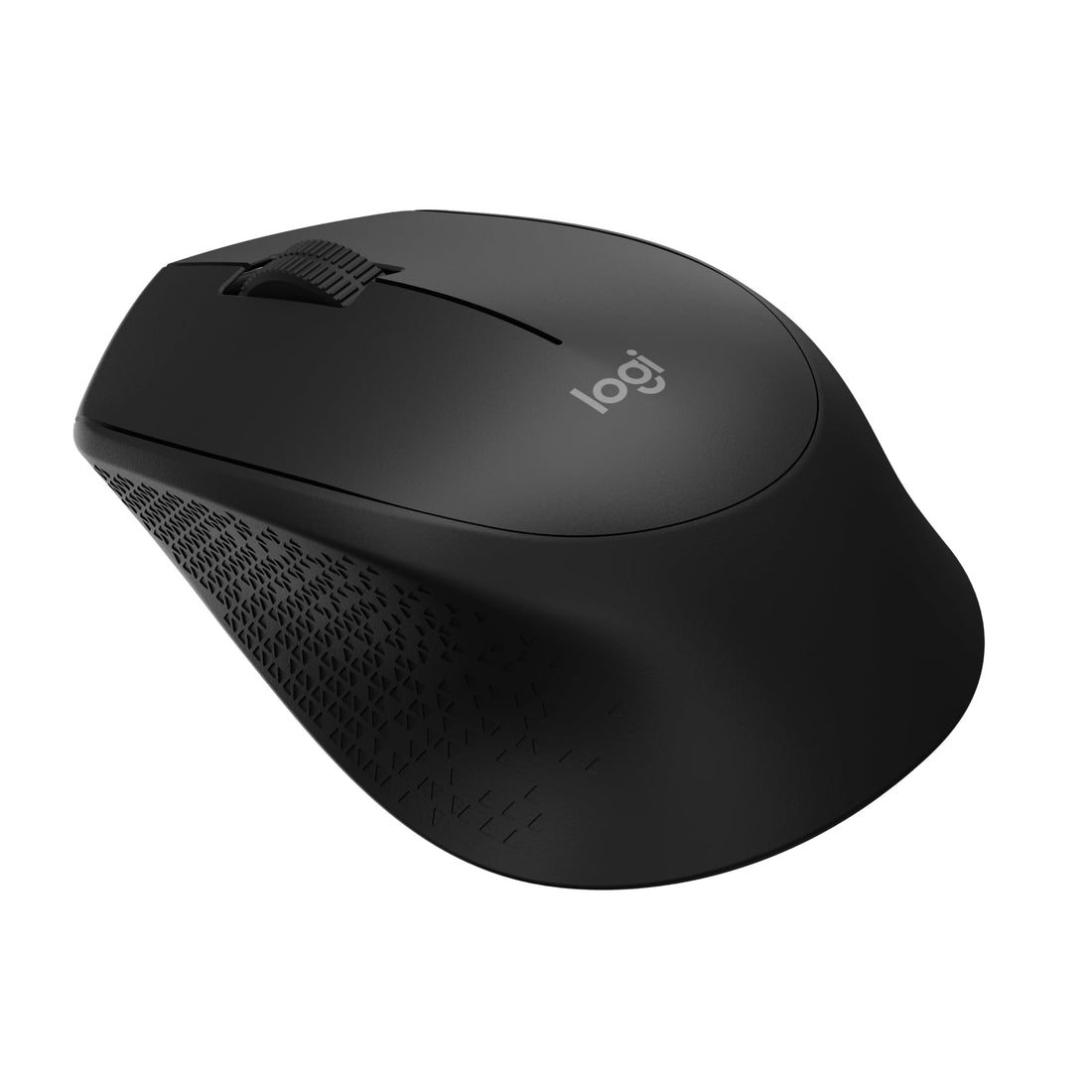
Logitech M280 Wireless Mouse, 2.4 GHz, Nano USB Receiver, Optical Tracking, 1000 dpi Resolution, 3 Buttons, 18 Month Battery, Compatible with PC, Mac, Laptop, Chromebook - Black
✓ منتج أصلي
LE 2,247
LE 3,614
وفّر LE 1,367
السعر شامل الضريبة · الدفع عند الاستلام متاح
كمية محدودة — اطلب قبل ما يخلص
🚚
توصيل خلال 2-5 أيام — لكل محافظات مصر · الدفع عند الاستلام
الدفع عند الاستلامVISAMastercardValU
🚚
توصيل 2-5 أياملكل المحافظات
💵
دفع عند الاستلامادفع لما يوصلك
✅
أصلي 100%مستورد ومضمون
↩️
إرجاع خلال 14 يومبدون أسئلة
الوصف
- Easy to use Battery life up to 18 months Accurate and uniform tracking Plug-and-forget Nano receiver
- Note! Mouse cursor input is slow or not working properly. Close all open applications. If performance improves, the number of open applications may be interfering with your PC's connection to the mouse. Check the reported battery levels. For Bluetooth connections, select Home > Settings > Devices > Bluetooth and other devices. For wireless connections, replace batteries. Restart your PC. This will update the drivers if updates have been made recently.
- Change the mouse cursor settings. Select Home > Settings > Devices > Mouse > Additional Mouse Options > Pointer Options and adjust the pointer speed.
- If my mouse scroll wheel is not working as expected, you can use the mouse wheel to scroll and also as a button. Pressing the wheel switches to other open programs on your desktop. Sometimes, while scrolling, you can accidentally press the wheel and accidentally switch to another open program. That's why the active window seems to disappear but is still open on your desktop. If you want to return to the previous window, press the wheel until the window reappears or use the Windows taskbar to switch to the desired window. To fix the problem, avoid pressing the wheel while rolling.
LE 2,247LE 3,614